Image Editor
This component is available since version 15.0.0.
The o-image-editor component wraps ngx-image-cropper and provides a simplified image cropping + zooming UI consistent with the Ontimize Web design system. It supports:
- Uploading and editing images.
- Dynamic aspect ratio changes and orientation.
- Zoom slider up to a configurable max.
- Emitting the final cropped image on apply.
Supported input formats (upload)
The image picker accepts the following formats:
- JPEG (
.jpg,.jpeg) - PNG (
.png) - GIF (
.gif)
Supported output formats (save/export)
When saving the edited image, the component can export as:
- PNG (
.png) - JPEG (
.jpg,.jpeg) - WebP (
.webp)
Notes:
- If the browser supports a native “Save As…” dialog (File System Access API), the user can choose the output extension and the component will export accordingly.
- In the fallback download flow (no native save dialog), the downloaded format matches the cropper output configuration (by default, the cropper is set to
format="jpeg").
Examples
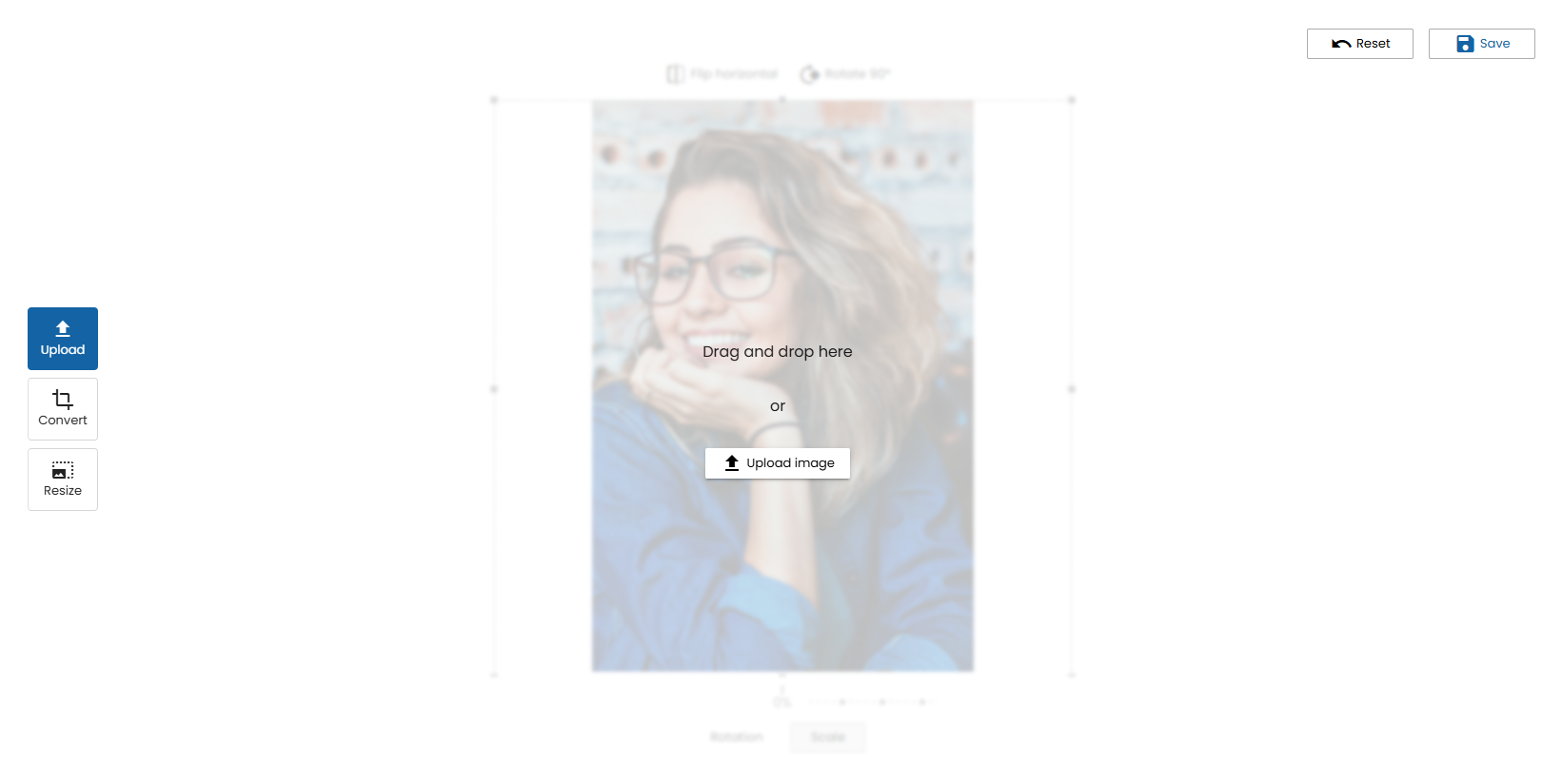
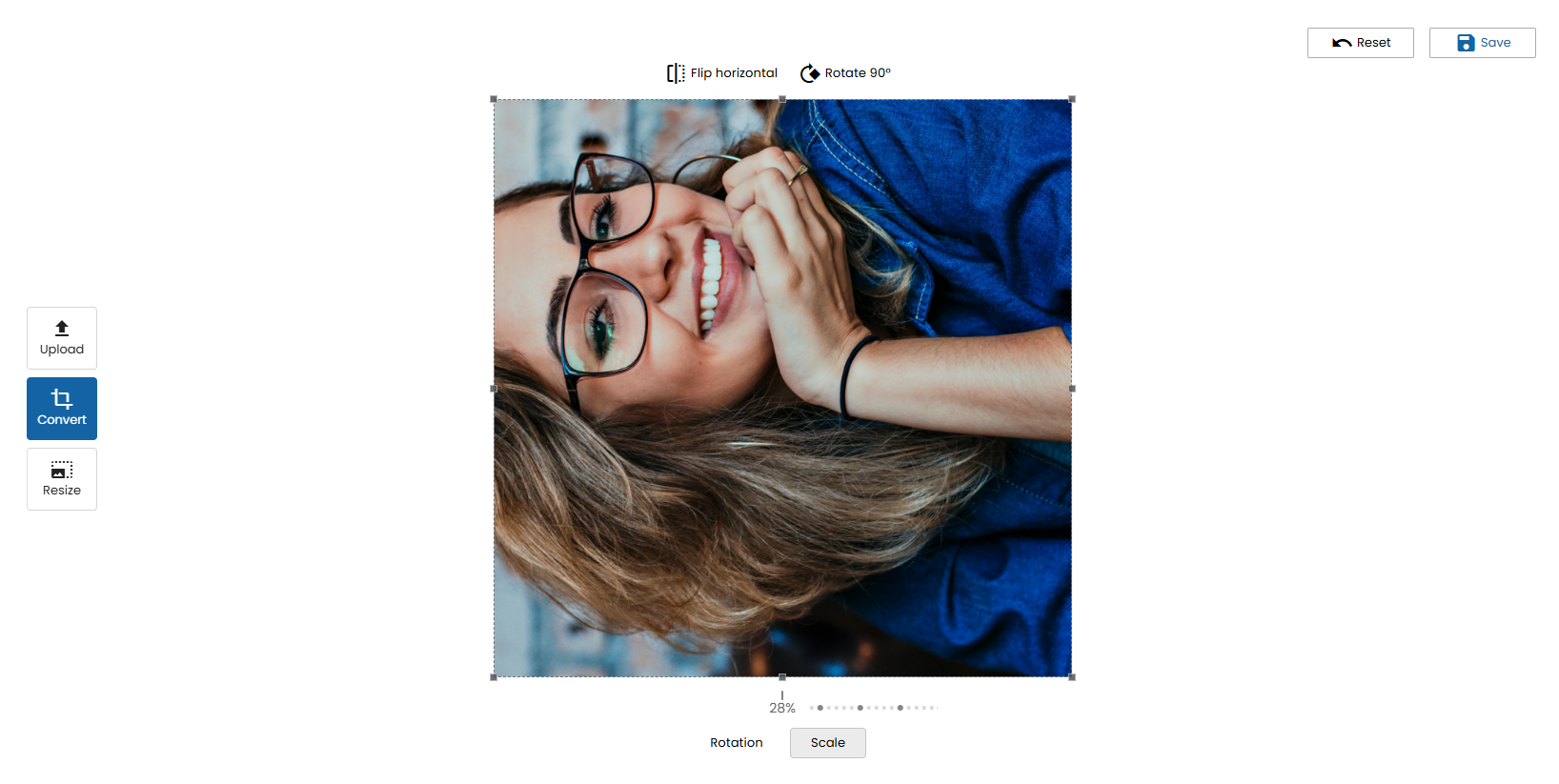
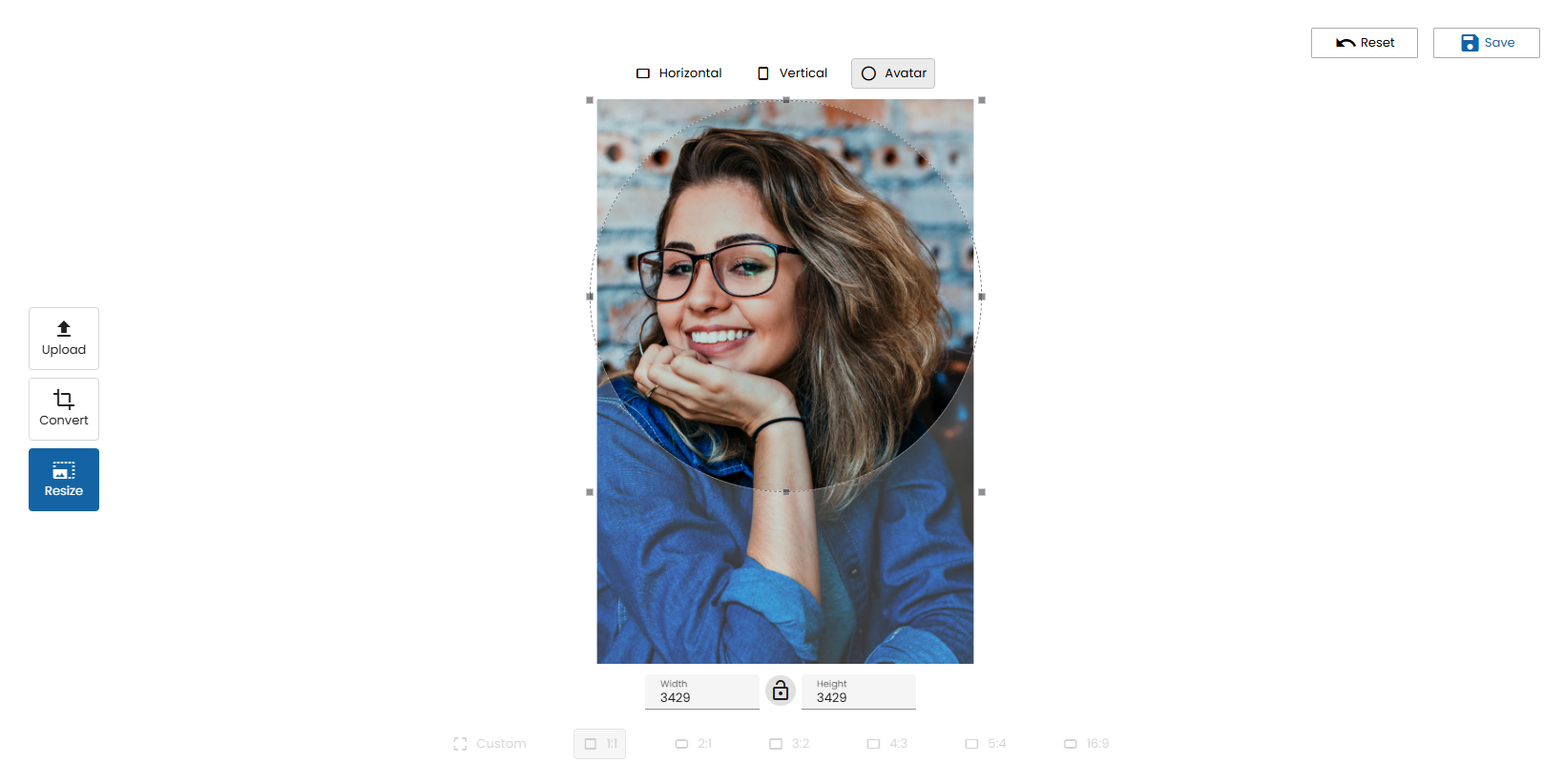
Below are some example screenshots to illustrate the o-image-editor workflow and available tools.
Upload
Crop
Resize
Demo
You can see this and more examples of this component in the OntimizeWeb playground.